
Let’s take a look at how to settle a bill directly into the HotelTime system using Vento 3-in-1. The process is simple and intuitive.
1. In the list of available payment types, select HotelTime. In the next step, you can also apply a discount if needed.
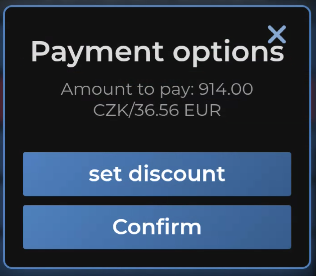
2. Click on Confirm and choose where exactly you want to send the charge in HotelTime – either to the Main bill, Guest bill, or a Permantent account.
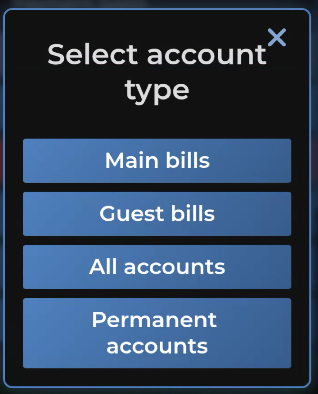
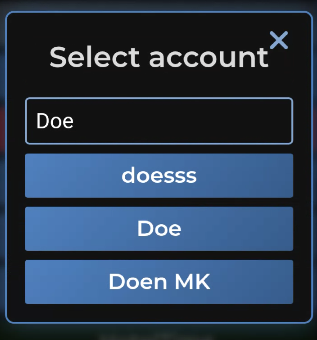
3. Choose which bill/account in HotelTime you want to use:
Confirm:
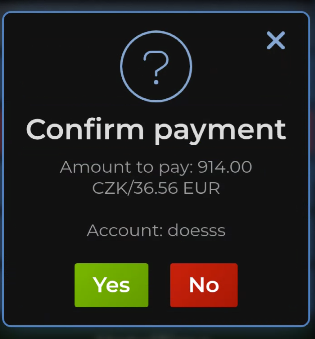
All done.